Staying Safe Online
The most effective cybersecurity measure when using the internet isn't fancy software—it's you. Being mindful of what you click, download, or interact with remains the single best defense against most online threats in 2026.
3/16/20263 min read
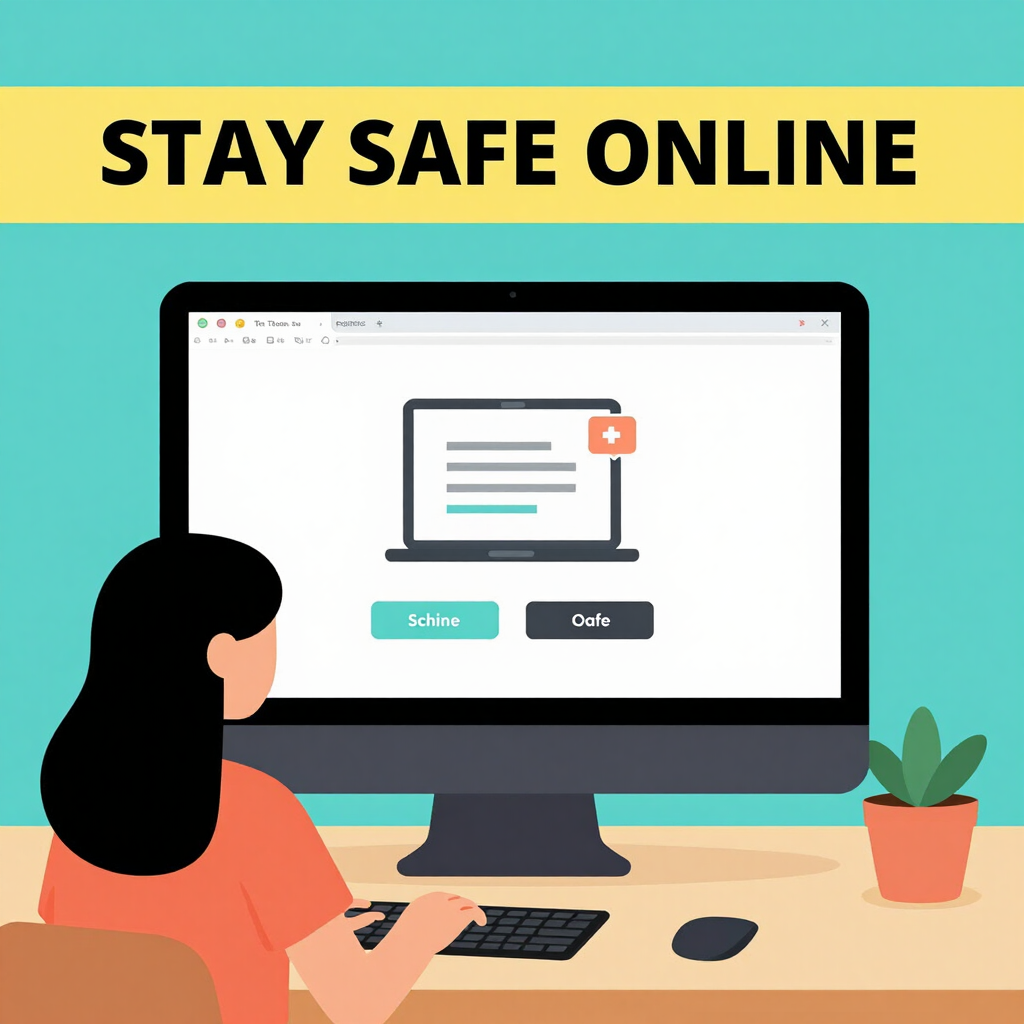
The most effective cybersecurity measure when using the internet isn't fancy software—it's you. Being mindful of what you click, download, or interact with remains the single best defense against most online threats in 2026.
Malware, phishing scams, ransomware, and other dangers often succeed because someone clicked a suspicious link, opened an unexpected attachment, or visited a shady site. No antivirus can fully protect against human error, but awareness dramatically reduces risks.
Key Habits for Smarter, Safer Browsing
Think before you click — Hover over links to check the real URL. If something looks off (e.g., urgent demands, typos, unsolicited offers), pause and verify.
Avoid unknown downloads — Only get software from official sites or trusted app stores. Pirated content or "free" cracks are common malware vectors.
Use strong, unique passwords — Combine this with a password manager and enable two-factor authentication (2FA) everywhere possible.
Keep everything updated — Enable automatic updates for your OS, browser, apps, and plugins. Patches fix vulnerabilities hackers exploit.
Be skeptical of emails and messages — Phishing remains huge. Don't click links in unexpected messages claiming your account is locked or you've won something.
These simple behaviors block the majority of threats before they reach your device.
Additional Layers of Protection: Beyond Antivirus
While good habits and solid antivirus (like Microsoft Defender) form the foundation, here are more practical steps and real-world examples to strengthen your online safety. These focus on privacy, network security, data protection, and ongoing vigilance.
Enable Multi-Factor Authentication (MFA/2FA) everywhere possible. Passwords alone aren't enough—add a second factor like an authenticator app (e.g., Google Authenticator, Authy), hardware key, or biometric. Example: Even if a hacker steals your password from a data breach, they can't log in without the second factor. Prioritize email, banking, and social media accounts. Many services now offer phishing-resistant options like passkeys.
Practice good data backup habits. Regularly back up important files to an external drive or secure cloud service (with encryption enabled). Follow the 3-2-1 rule: 3 copies, 2 different media types, 1 offsite. Example: If ransomware locks your files demanding payment, a clean backup lets you restore without paying. Test restores periodically—don't assume backups work until you verify.
Secure your home network. Change your router's default admin password and SSID. Use WPA3 encryption (or WPA2 if unavailable). Disable remote management and WPS. Example: Default router passwords are widely known and exploited. A quick login to your router settings (often 192.168.1.1) and updating these takes minutes but prevents neighbors or drive-by attackers from accessing your network.
Educate yourself on evolving threats. AI-generated phishing and deepfakes are rising. Verify unexpected requests via a separate channel (e.g., call the company using a known number).
Solid Built-in Protection: Microsoft Defender
For most Windows users, the built-in Microsoft Defender (part of Windows Security) provides strong, reliable protection. Independent tests in recent years show it performs well against malware, often on par with or close to top competitors—especially when kept updated. It's free, lightweight, doesn't nag you, and integrates seamlessly.
For everyday use with good online habits, Defender is often enough without needing extras.
Want More? Trusted Free Options
If you prefer additional layers (e.g., extra web protection, behavior monitoring, or ransomware shields), consider these reputable free antivirus programs:
AVG AntiVirus Free — Offers solid malware detection, plus features like safe browsing tools. It's frequently praised in 2026 reviews as a top free pick, sometimes edging out others in ease of use.
Avast One Basic (or Avast Free Antivirus) — Provides excellent protection, including real-time scanning and Wi-Fi security checks. Many experts rate it highly among free tools, often alongside AVG.
Both come from the same parent company and are trusted, with strong lab scores and minimal system impact.
For Premium Protection: Bitdefender Stands Out
If you're willing to pay for a subscription, Bitdefender consistently ranks as one of the best overall in 2026 reviews—from sites like PCMag, CNET, TechRadar, and others. It excels in near-perfect malware detection, low system impact, advanced features (like anti-ransomware, VPN options in higher tiers), and great value.
Bitdefender often tops charts for balanced performance, making it a go-to recommendation for users wanting top-tier defense without slowdowns.
Link to Bitdefender: https://www.bitdefender.com/
Bottom Line
Great cybersecurity starts with you—stay cautious online, verify before acting, and keep software current. Pair that with Microsoft Defender for baseline protection, add AVG or Avast if you want free extras, or upgrade to Bitdefender for premium peace of mind.
Stay safe out there—smart habits beat any tool every time!
— The Cape Cod Tech Care Team
Contact
Reach out anytime for tech support.
© 2026. All rights reserved.


Monday Through Friday: 5:00PM - 7:00PM
Saturday: 9:00AM - 5:00PM
Sunday: 9:00AM - 5:00PM
Service Hours
Cape Cod Tech Care | Falmouth, MA 02536 | 508-281-9850 | tim@capecodtechcare.com